


AI Receptionist Software Review for SMBs
Missed calls cost more than most owners realize. It is rarely just one missed conversation - it is the estimate that never gets scheduled, the new patient who calls the next clinic, or the dinner reservation that disappears. That is why an honest ai receptionist software review should focus less on flashy features and more on one question: does it help your business respond faster, book more often, and create less daily stress?
For small businesses, that standard matters. You do not need a science project. You need a system that answers consistently, handles common questions, captures lead details, and moves people toward an appointment or next step. If the software sounds smart but still creates extra work, it is not doing its job.
What AI receptionist software should actually do
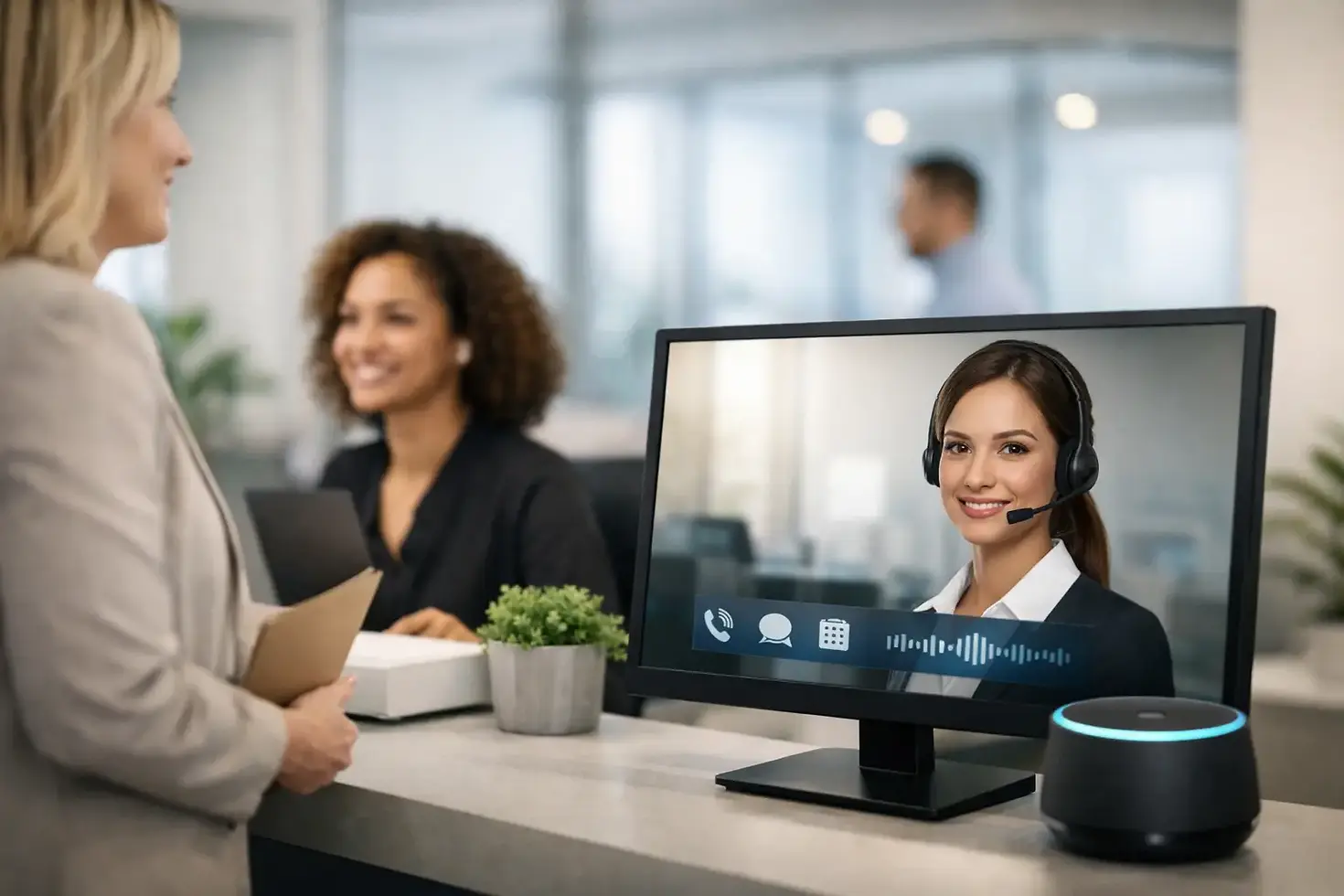
At its best, AI receptionist software acts like a reliable front desk that never gets tired, never forgets to follow up, and never lets a simple question sit unanswered overnight. It should pick up calls, respond on website chat, and in many cases continue the conversation across text or social channels. For a local business, that means fewer missed opportunities and a better customer experience without hiring a larger team.
The biggest value is not just answering. It is qualifying and moving the conversation forward. A good system should identify what the customer needs, collect the right details, answer routine questions, and either book directly or route the lead correctly. If it only gives generic replies, you are paying for noise instead of help.
That is especially true for service businesses. A plumbing company needs fast triage. A med spa needs clean appointment intake. A restaurant may need reservation help and quick answers on hours, menu basics, or private events. The job changes by industry, so the software has to be flexible enough to match the way your business actually works.
AI receptionist software review: what matters most
A lot of platforms promise 24/7 coverage. That part is easy to market. What matters is how the software performs in real situations, when a caller is in a hurry, when a website lead asks a vague question, or when someone wants to book outside business hours.
Start with response quality. Does the AI sound natural and clear, or does it feel scripted in a way that frustrates people? Customers do not need a perfect human imitation, but they do need straightforward answers. If the conversation feels confusing, robotic, or repetitive, people drop off fast.
Next is booking ability. This is where many tools separate themselves. Some can answer questions but fail when it is time to schedule. Others can schedule, but only if your calendar setup is simple. The best options do both without making the customer repeat information. If someone has already explained what they need, the handoff to scheduling should feel simple.
Accuracy matters just as much. If your AI gives the wrong hours, misstates services, or books the wrong appointment type, it creates cleanup work for your team. That is why setup and management matter as much as the software itself. AI is only as useful as the information it is trained on and the rules behind it.
Then there is channel coverage. Many small businesses do not lose leads only on the phone. They lose them on the website, in Facebook messages, and on Instagram when nobody responds quickly. A strong system should help across the channels your customers already use. If it only covers one touchpoint, you may still have gaps.
The trade-offs most reviews skip
The strongest ai receptionist software review is not just about benefits. It should be honest about the trade-offs.
First, AI is excellent at handling repeatable conversations, but it is not the right fit for every interaction. Complex complaints, highly emotional situations, and unusual service requests may still need a person. That is not a flaw. It is just a reminder that good automation should support your team, not replace judgment.
Second, setup quality can make or break results. Some business owners try a tool, load in the basics, and assume it will figure out the rest. Usually it does not. If your service menu is messy, your calendar is outdated, or your FAQs are incomplete, the AI will reflect that. This is one reason managed solutions often outperform do-it-yourself software. The tool matters, but the execution matters more.
Third, there is a balance between speed and control. Some owners want the AI to do everything automatically. Others want every lead reviewed by staff before anything happens. The right choice depends on your business. A high-volume home service company may want instant qualification and booking. A clinic may want tighter controls around scheduling. The software should be configurable enough to match that preference.
Who benefits most from AI receptionists
Not every company needs the same level of automation, but certain businesses see value faster. Appointment-based and lead-driven businesses tend to benefit most because every missed response has a clear cost.
Home service companies often deal with urgent calls after hours, during jobs, or while driving between appointments. An AI receptionist can capture the job type, location, urgency, and contact details right away. That alone can reduce missed opportunities.
Clinics, dental offices, and med spas usually get repeat questions that take up front-desk time. Hours, insurance basics, treatment categories, availability, and booking requests can often be handled faster with automation, as long as the system stays accurate and follows the office workflow.
Restaurants, salons, retail stores, and auto detailers also benefit when the AI can answer common questions instantly and guide people toward reservations, appointments, or store visits. In those cases, speed and consistency often matter more than long conversations.
Signs the software is a good fit
A good fit usually looks simple from the outside. Customers get answers quickly. Appointments show up correctly. Your team spends less time chasing basic inquiries. And you can see what happened with each lead.
That last point matters. Reporting should be practical, not overloaded with vanity metrics. You should be able to tell how many conversations came in, how many turned into bookings or qualified leads, what questions people ask most, and where follow-up breaks down. If the reporting cannot help you improve performance, it is not very useful.
It also helps if the software works with your current setup instead of forcing a complete rebuild. Calendar sync, lead capture, messaging flow, and website integration should feel manageable. If the tool adds friction, your team will work around it instead of using it well.
Signs to be careful
Be cautious if a platform looks impressive in a demo but cannot explain how it handles real business scenarios. Ask what happens when a customer asks an unclear question, wants to reschedule, needs urgent help, or reaches out on a weekend. If the answer is vague, expect gaps later.
You should also be careful with software that requires too much babysitting. If someone on your team has to constantly rewrite replies, fix bookings, or monitor basic interactions, the time savings start to disappear. Small business owners usually need less tool management, not more.
Another warning sign is when the system is disconnected from the rest of your growth setup. If your website, chat, phone handling, and follow-up all live in separate tools with separate vendors, things get missed. That does not mean one platform is always the answer, but disconnected systems usually create more room for dropped leads.
The smarter way to evaluate an AI receptionist
Instead of asking whether the software is advanced, ask whether it reduces missed opportunities. Does it answer fast? Does it collect the right information? Does it book cleanly? Does it make life easier for staff and customers?
A short trial with real scenarios usually tells you more than a long feature list. Test after-hours calls. Test vague website questions. Test appointment requests, pricing questions, and reschedules. Look at the transcripts. Listen to the calls. You will know quickly whether the system feels helpful or awkward.
For many small businesses, the best outcome is not buying another standalone tool. It is choosing a managed setup where your website, AI chat, call automation, and follow-up work together. That is often where the real stress reduction happens, because fewer pieces means fewer handoff problems. For a busy owner, one solution that is actually maintained can be more valuable than five tools with more features on paper.
The right AI receptionist should feel like relief. More answered leads, fewer interruptions, and a front desk experience that does not stop when your staff gets busy. If it gives you that, it is worth serious attention. If not, keep looking until the technology starts acting like a real business asset instead of just another login.


